Tricks are an official way to earn. Historical HUD images show names, numbers, a multiplier and a LINE label. The research notes record Sign Snap 120 at x1 and Air 95 at x1 in thumbnail frames. Those readings have not been verified against cash changes and are not a payout list.
Evidence reviewed 27 Oct 2026: dated site observations of 21/22 Oct creator HUDs, not client tests. Sign Snap and Air thumbnail transcriptions are historical research observations, not cash values. Follow-up: verify the complete action list, slot assignment, landing conditions and LINE settlement in the current game before publishing a payout comparison.
Inputs
| Input | Label |
|---|---|
| Alt | Bunny hop |
| Z | Tailwhip in the air |
| X | Superman, hold in the air |
| 1–4 | Configurable trick slots: inspect the phone Tricks app. The earlier guide labels 4 no hands, not a universal fixed assignment. |
| Ctrl | Wheelie, covered on the wheelie page |
| Ctrl + S | Stoppie |
| W + Space | Burnout |
Find your assigned tricks before using 1-4
Open Phone with C, then look for the Tricks app. The PC overlay in the 22 Oct Dxnny video at 9:38 tells players to pick their tricks there. Use that configuration to identify what your 1-4 slots do; do not assume every account has the old guide's no-hands assignment on 4. The filmed instruction establishes where to configure them, but the sampled sequence does not show a completed reassignment.
Separate an airborne action from a paid landing
For the documented PC inputs, Alt is Bunny hop; Z is Tailwhip in the air; X is Superman, hold in the air. The airborne and hold conditions come directly from the overlay. A visible action name is not proof of a successful landing: the Halloween task separately uses Land 25 tricks and counts progress. No release timing, minimum airtime or cash-per-landing rule is established by these labels.
Reading a payout popup
A thumbnail can include a trick label, multiplier, and number without proving a completed landing or cash deposit. Sign Snap 120 and Air 95 are research transcriptions only. LINE appears nearby, but its cash calculation has not been tested. No hourly rate can be derived from these frames.
Mobile puts 1 Hand and No Hands on the top bar. These labels are useful for recognizing the touch interface, but do not establish a one-to-one mapping to every player's configurable PC slots. Seat and Stand are visible labels; neither their function nor payout eligibility was tested.
Watch a creator walkthrough
Bike Universe guide with tricks and police chases. Uploaded 2026-10-19T06:14:30-07:00. The button uses original guide artwork, not the creator's thumbnail. The player loads only after you press play.
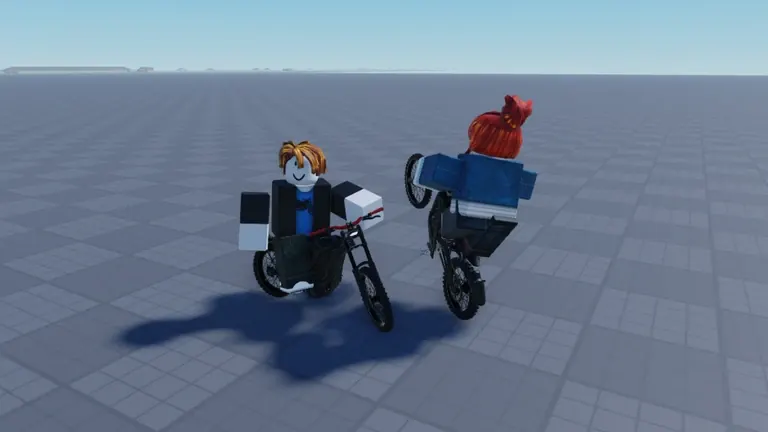
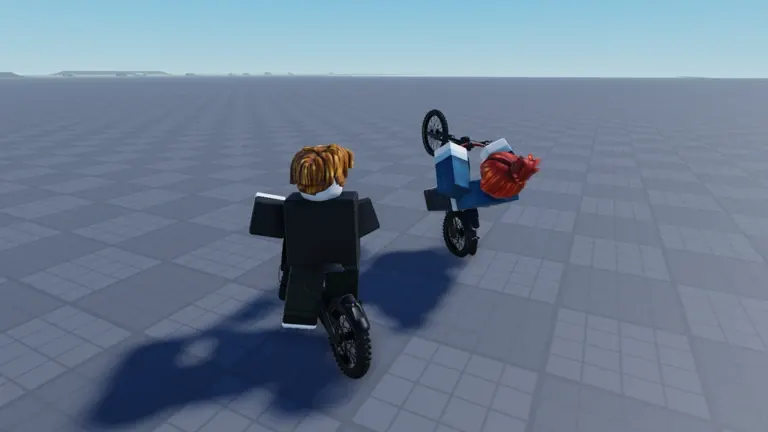
Creator guide from 19 Oct 2026 showing tricks in motion. Popup numbers outside the two samples are not copied.
Frequently asked questions
What is the highest paying trick?
Unknown. The notes read Sign Snap 120 and Air 95 at x1 in thumbnail frames. Neither is a verified cash award.
What is the stoppie input?
The reviewed PC overlay labels Ctrl+S as stoppie. That is distinct from Ctrl for wheelie; no payout amount or console input was verified.