Use the PC overlay below for riding, bike selection, and building. These are game-specific labels visible in a 21 October recording, not generic Roblox keybinds. Mobile has its own touch buttons. Console-specific bindings remain unverified; check the current in-game help before using a keyboard shortcut on another device.
Evidence: site observations of 21 Oct PC and historical mobile HUDs, reviewed 25 Oct; the 22 Oct PC overlay is retained in the 26 Oct UTC research. Saved evidence reviewed 27 Oct, not a current-client input test. Roblox console help was rechecked by the site on 27 Oct. Follow-up: verify current riding, Build and trick-slot mappings on PC, mobile and console.
PC labels
| Input | HUD label |
|---|---|
| Space | Rear brake. W + Space is burnout |
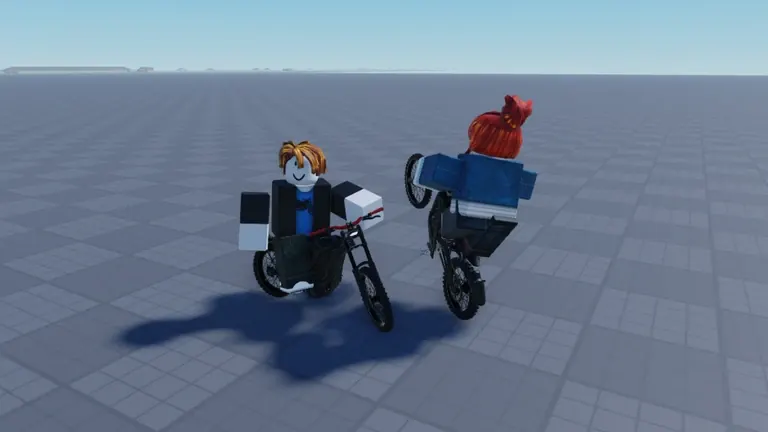
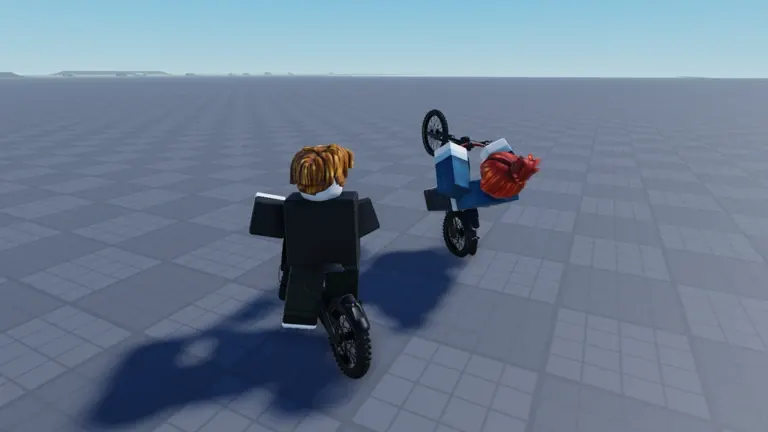
| Ctrl | Wheelie. Ctrl + S is stoppie |
| Alt | Bunny hop |
| Z | Tailwhip in the air |
| X | Superman, hold in the air |
| 1 2 3 4 | Trick slots. The 21 Oct overlay says 4: no hands; another recording says to pick them in the phone Tricks app. |
| F | Get off |
| Q | Spawn your bike |
| M | Bikes menu |
| B | Build mode |
| Hold B | Hide other players' builds |
| C | Phone, shown on the lower-left menu |
| G | Spawn point. Hold, tap to return |
| 6 in the 21 Oct guide; 7 in the 22 Oct recording | Hide controls. Read your own overlay rather than treating either dated binding as universal. |
Choose trick slots through the phone
At 9:38 in the 22 Oct Dxnny recording, the PC overlay explicitly says: Tricks, pick them in the phone's Tricks app. Open Phone with C and use the Tricks app to inspect your slot assignments before using 1-4. This establishes the configuration entry point; it does not establish a universal action for each number or show every assignment operation. The same overlay uses 7 for Hide controls, unlike the 6 label in the earlier guide.
Mobile labels
At 1:30 in My Friend And Me Playing Bike Universe, the phone HUD visibly has GAS, BRAKE, REAR, UP, HOP, and left/right arrows. Its top bar has BUILD, BIKES, PHONE, SPAWN (hold: set), GET OFF, SEAT, STAND, 1 HAND, and NO HANDS. SHIFT LOCK and SHOP are separate. These are observed labels; this review did not press each touch button or assume that UP exactly duplicates Ctrl.
Build mode changes the input context
| Input | Build action |
|---|---|
| WASD | Fly |
| Space / Ctrl | Up / down |
| Shift | Fly fast |
| Right mouse button | Look around |
| Left mouse button | Place |
| Q / E or scroll | Rotate |
| 1-0 | Pick item |
| X | Remove yours |
| B | Done |
B exits building; it does not mean the same thing as Ctrl while riding. In the recording, the placed count changes from 0/10 to 2/10. That is an observed session limit, not proof of every account's free allowance or of the More Builds pass benefit.
Console
The experience supports console players. Roblox publishes generic PlayStation and Xbox layouts for the app. The Bike Universe binding on those pads was not in the footage I used. Open the in-game help on the pad and follow that picture.
Frequently asked questions
How do you wheelie?
The October PC HUD labels Ctrl as Wheelie. Confirm it in game if the build has changed.
What is the mobile throttle?
The button is labeled GAS on the phone HUD from the same period.
Why did my key stop working?
The list is from footage, not a patch note. Reopen the in-game control overlay.