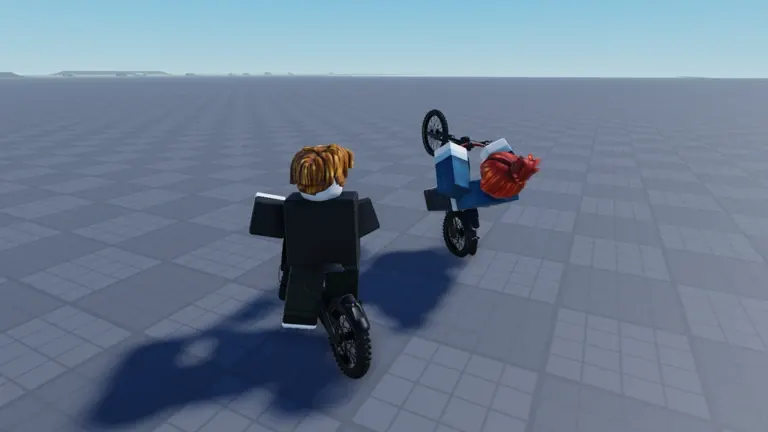
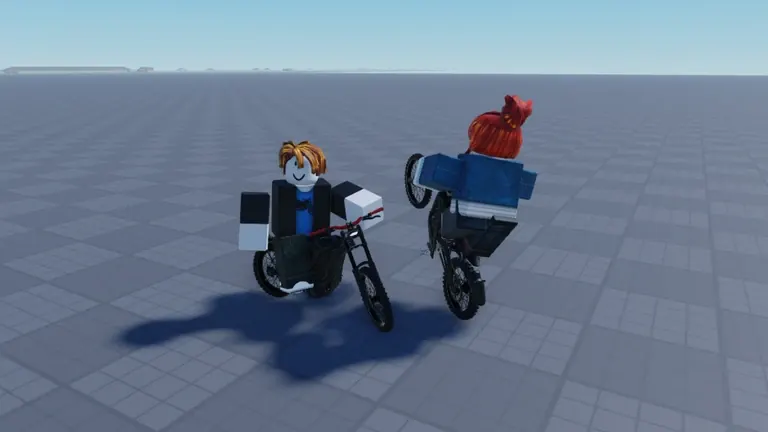
Your first minutes are the five lines on the Roblox page: ride, collect dirt, electric, and pedal bikes, earn from riding, wheelies, and tricks, tune the bike, and race friends. These are feature descriptions, not a tested onboarding sequence.
Evidence reviewed 27 Oct 2026: official feature descriptions plus site observations of creator footage published 20-22 Oct. This is a suggested learning order, not a timed new-account test. Follow-up: record the first bike, starting cash, first income and first completed trick on a fresh account; no first-30-minutes earnings target is promised.
Suggested first-session checklist; not a timed walkthrough
- Open the game from the Roblox page. It is free. A server holds 20 people. You cannot buy a private server.
- Get on a bike. If you are on PC, M is Bikes and Q spawns the one you picked, according to the October HUD.
- Ride. The official description names riding as income. The reviewed PC clip shows the cash readout changing, but its pass state and account history are unknown and the readout is at the edge of the frame. No per-action amount or hourly rate is derived from it.
- Read the riding overlay before a first wheelie: Ctrl is labeled Wheelie, but the sampled guide does not explain tap versus hold or landing. Do not substitute an invented timing rule.
- B opens prop building in the historical overlay, not engine tuning. The recorded tuning route is through GARAGE 1; see the garage walkthrough before spending cash.
Choose the right map and avoid a shop detour
The 22 Oct recording shows a usable destination flow: open the in-game PLACES selector, choose STUNT VALLEY or SUNSET CITY, check the map name under SERVERS, and use QUICK JOIN or a server-row JOIN. After loading, use PLAY to ride, not SHOP. At 13:35 the city menu offers PLAY; by 13:45 the rider is in the city. This is an observed returning-player sequence, not proof of a new account's first bike or balance.
Use Stunt Valley for the highway-and-ramp setting shown in the footage, or Sunset City for streets among tall buildings. To identify your numbered trick slots, open Phone with C and inspect its Tricks app; the later PC overlay explicitly points there. Follow the map guide for the destination selector and the controls guide for the separate Build inputs.
A recorded opening sequence you can follow
- Use PLAY on the main menu, not SHOP. In the reviewed recording, PLAY is visible at 0:15 and the rider is on a bike at 0:20. The footage does not establish which bikes every new account owns.
- Keep the control overlay open: M selects Bikes, Q spawns the chosen bike, F gets off, and G returns to a set spawn point. The overlay labels holding G as setting that point.
- Practice away from traffic before using a ramp. In the recording the rider reaches the FreshMart car park; Build mode is then opened and two props are placed. A car park is not a verified police-free zone.
- When you open Build, use its separate input overlay and press B for Done. Do not confuse building ramps with upgrading a bike engine or buying Color Wheel.
For bike upgrades, use the dated Garage 1 walkthrough: the 20 Oct recording shows a Mayo 250cc entering GARAGE 1 and opening UPGRADES, ENGINE and PAINT. This is a separate interface from B Build. It does not establish the right first purchase for a new account.
Skip these on day one
Skip unverified code lists and script videos. Scripts are a ban and malware risk. Before spending, distinguish the historical starter label from a cash purchase: the 20 Oct dealer recording shows Pitster 110 marked STARTER BIKE and IN YOUR GARAGE, while Mayo 250cc is FOR SALE at $5,000. That is one recorded account, not proof of every new account's current inventory or a recommendation to buy Mayo. See the dated dealer records and their limits. Surge Electric costs 399 Robux in the checked official record; it grants the stark varg but has no independent performance test here.
When you can stay on the bike, move to controls, then wheelie. Races are in the description, but the start line is not documented here.
Watch a creator walkthrough
Beginner guide in Bike Universe Roblox. Uploaded 2026-10-21T09:49:06-07:00. The button uses original guide artwork, not the creator's thumbnail. The player loads only after you press play.
Creator beginner video from 21 Oct 2026. Prices spoken in the video are not copied here.
Frequently asked questions
What bike should I buy first?
No tested first-purchase recommendation is available. In the 20 Oct recording, Pitster 110 is labeled STARTER BIKE and already in that account's garage; Mayo 250cc is listed for $5,000. These historical dealer observations do not establish the current default inventory or the best use of a new account's cash.
Do I need a game pass to earn cash?
No. Riding, wheelies, and tricks are in the free description. 2X Cash is optional and untested.